 |  |
 |
|
| Using Mathematica remotely | Using Mathematica from a terminal (no graphics) | Using Mathematica from a terminal (X terminal) | Using Mathematica from a terminal (graphics) |
| Labs | Math21a | ||
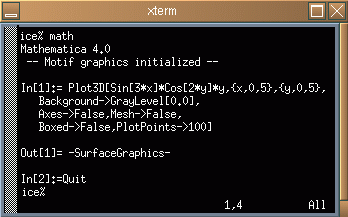
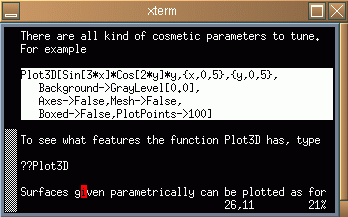
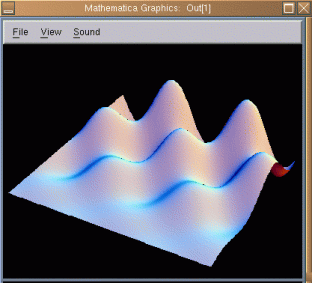
| Open two terminals. Start up mathematica in one of them. Open the file with Mathematica code in the other terminal with an editor (i.e. "vi lab2.m" or "pico lab2.m" or "emacs lab2.m") Copy-paste the necessary lines into Mathematica. In the example below, four lines to the right were highlighted and then pasted into the left terminal. |
| |
| |
|
| If you have some computation, which is expected to take some time you run it as a batch job. An example of such a session is |
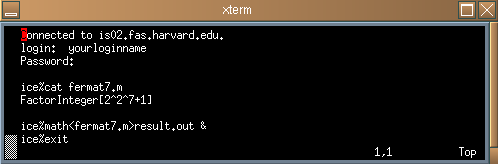
| You can now logout and go to drink some coffee. If you come back, the seventh Fermat number is factorized. The result is written in the file result.out. |